Search

What are you looking for today?

Plans & Promotions

Looking for a new SIM, or you great new offers? start your search here now
Supported devices and platforms

Apple iOS : Latest 4 versions (iOS 16, 17, 18, 26)
AppleiPadOS : Latest 4 versions (iPadOS 16, 17, 18, 26)

Latest 4 versions (Android 12, 13, 14, 15)
Supported devices:

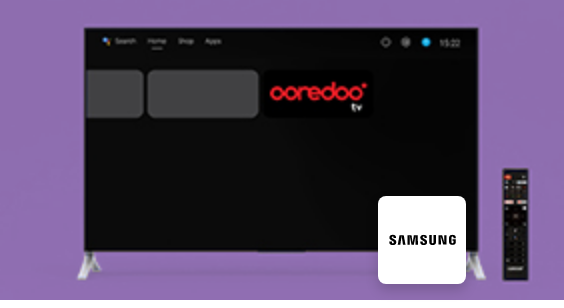
Samsung

Google Pixel

OnePlus

Xiaomi

Motorola

Sony Xperia

Oppo

Vivo

Realme

Honor

ZTE
(Tizen) version 6.5 and above
Sony TV

TCL TV

Xiaomi TV

Hisense TV (with Android TVs only)

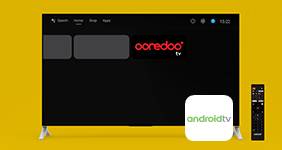
Other Android TV OS (Please make sure compatible on Android 10)
Google Chromecast

Xiaomi STB

Nokia STB

Nvidia STB

Other Android TV boxes (Please make sure compatible on Android 10).

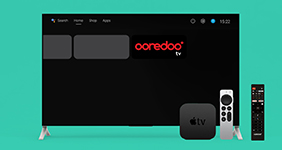
Apple TV BOX 4K

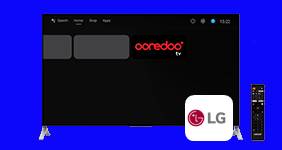
LG Samrt TV

WebOS version 7.0, 23, 24, 25

Other TV devices?

If your TV device is not mentioned here, continue using your Ooredoo tv set-up-box.

We are adding more TV devices in the upcoming fututre.

Quick tutorials on how to use Ooredoo TV

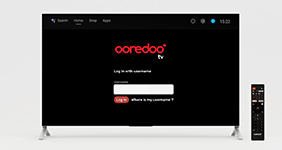
What is my username and how can I find it?

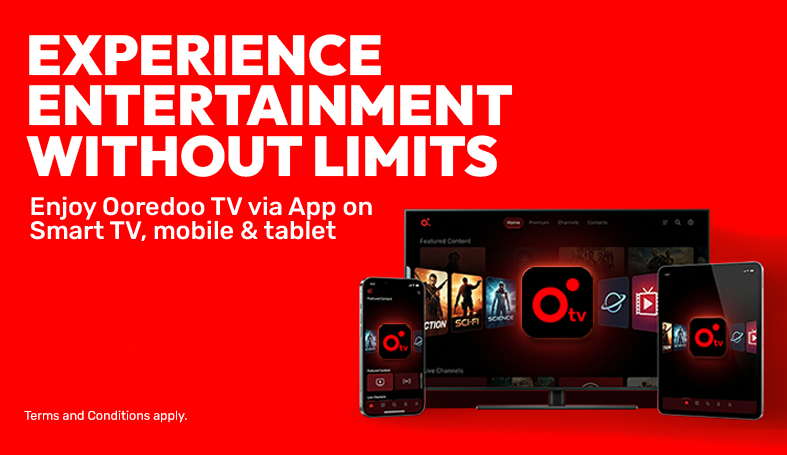
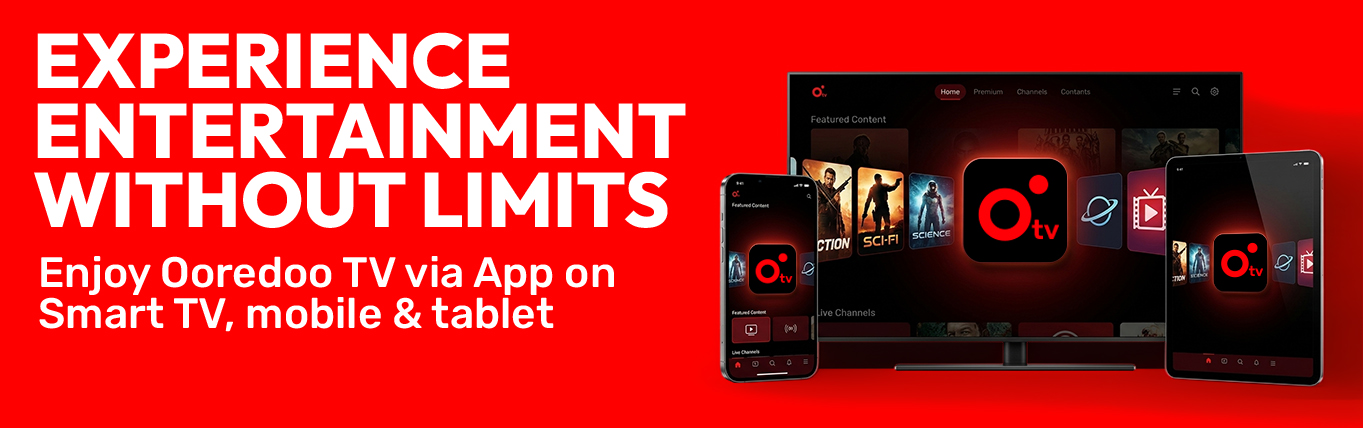
Elevate your TV experience with the Ooredoo TV App on your Smart TV, mobile or tablet

Download the app and enjoy seamless entertainment wherever you are at home
Seamless Entertainment

Ease of Setup

Setting up Ooredoo TV is simple. Download the app on your Smart TV, mobile or tablet, log in with your credentials, and start watching. No professional installation. No waiting for a technician.
Leading Tech

Convenience of a Single Device

Watch Ooredoo TV on the device you already use every day. No extra hardware. No tangled HDMI cables. No juggling multiple remotes. Just your Smart TV, mobile or tablet and one simple app.

Controlled fun

Future-Proof Technology

The app updates automatically so you always have the newest features without needing to upgrade your set-top box.

Terms and conditions
  • The Ooredoo TV App is available for all Home+ subscribers. Users will be able to access Ooredoo TV service via their own Smart TV, mobile phone and tablet by installing the Ooredoo TV App. Ooredoo TV App will only work when it is connected to your Home+ service/Wi-Fi at your home.
  • The Ooredoo TV App is available for use on compatible Smart TVs, including Android TV OS, Samsung TV (Tizen version 6.5 and above), Android TV boxes and dongles, and Apple TV box. Apple iOS: latest 4 versions (iOS 16, 17, 18, 26). Apple iPadOS: latest 4 versions (iPadOS 16, 17, 18, 26). Android OS (mobile/tablet): latest 4 versions (Android 12, 13, 14, 15). Supported devices: Samsung, Google Pixel, OnePlus, Xiaomi, Motorola, Sony Xperia, Oppo, Vivo, Realme, Honor, ZTE.
  • The Ooredoo TV app can only be used within your home when connected to your Home+ service. It is not available for use outside your home or abroad.
  • The Ooredoo TV App is designed to work with one Smart TV, mobile or tablet at a time. If you want to watch Ooredoo TV on multiple devices, you will need to order an Ooredoo TV set-top box for your other devices.
  • The Ooredoo TV App pairs your account with one Smart TV, mobile or tablet automatically when you first log in. If you wish to change the device, you must unpair the current device from your account through the Ooredoo TV App and then log in on the new Smart TV, mobile or tablet.

Need Help?

Check Ooredoo Deviceless most popular FAQs
CHECK OUT HELP CENTER

International Dawli

Test 1